An open house can bring twenty people through the door and leave you with four readable emails. The paper sheet on the counter is the weak link: messy handwriting, made-up addresses, and every visitor's phone number on show to the next person who picks up the pen.
A digital sign-in fixes all three. Visitors sign in on their own phone or on your tablet, the details arrive spelled correctly, and nobody sees anyone else's. This guide covers how to set it up, what to ask, the consent you need, and the follow-up that turns a visit into a client.
Paper sheet vs digital sign-in
| Paper sheet | Digital sign-in | |
|---|---|---|
| Readable details | Often not | Always |
| Privacy | Every visitor sees the list | Each visitor sees only their own form |
| Consent recorded | Rarely | With the exact wording and the date |
| Follow-up | You retype it at night | Lands in your leads list and CRM |
| Visitor answers | A tick box, if anything | Agent, timing and selling, every time |
Two ways to sign people in
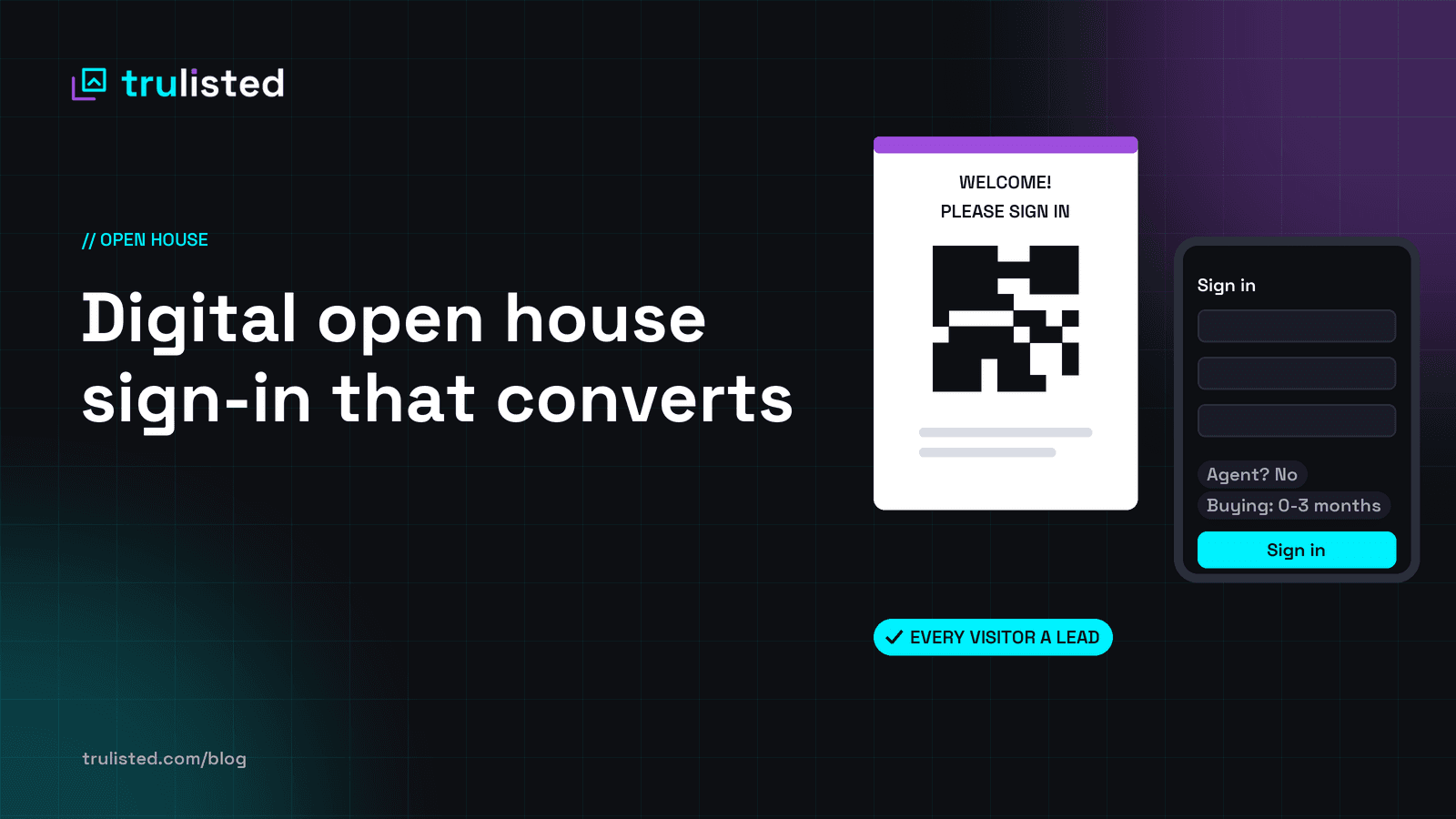
A QR code sign at the door. Print a letter-size sign with a large QR code and the words "Welcome! Please sign in". Visitors scan it with their phone camera, fill in the form, and then see the photos and details of the home on their own phone. It works even when you're busy talking to someone else.
A tablet on the counter. Some visitors won't scan a code, so keep a tablet ready with the form open full screen. After each visitor, the form should thank them and clear itself after a few seconds, so the next person never sees the last one's details. Lock the tablet to that one screen (guided access on an iPad, screen pinning on Android).
Use both: the sign catches people as they walk in, and the tablet catches the rest.
What to ask (and what not to)
Keep it short. Every extra field loses visitors. Ask for:
- Name, email and phone. Make email required and phone optional.
- Are you working with a real estate agent? This one matters. Most codes of conduct expect you not to interfere with another agent's client, so you need to know before you follow up.
- When are you hoping to buy? Within 3 months, 3 to 6, 6 to 12, or just looking. It tells you who to call first.
- Do you have a home to sell? Yes, no or maybe. A "yes" or "maybe" is a possible listing.
Don't ask for income, nationality, family plans or anything a visitor might feel judged by. The affordability question can wait until they want to talk about it.
Consent: what you need to follow up
Two separate agreements, never ticked for the visitor:
- Contact about this home (required to sign in): "I agree that [your name] may contact me about this home."
- Listings and market updates (optional): "Also send me similar listings and market updates. Unsubscribe any time."
In Canada, a visitor who asks about a property generally gives you implied consent under CASL to email them about it for a limited time (six months for an inquiry). To add them to your newsletter beyond that, you need their express consent, which is the second box. Keep a record of what each person agreed to and when. Our guide to the "Just listed" email that gets opened covers the rest of CASL and CAN-SPAM.
Privacy laws also expect you to protect what you collect. A digital form that doesn't show the list to the room is a good start.
This is general information, not legal advice.
The follow-up plan
Most open house leads go cold because the follow-up comes late, or is the same for everyone. Sort first, then follow up:
- Same day: thank everyone who signed in, from your own email. Include the listing link and one line about the home they liked. If they said they work with an agent, keep it to a thank-you.
- Buying within 3 months, no agent: call or text within 24 hours. Offer a second showing, or similar homes.
- Has a home to sell: offer a free home value estimate this week. That's a listing conversation.
- Just looking: if they ticked the updates box, add them to your monthly market update. If not, leave it at the thank-you.
- One week later: share any news, such as a price change, offers, or a similar home coming up, with the people who agreed to hear from you.
Two tools make that follow-up easier:
- A digital business card. A QR code on your sign or table that saves your contact to their phone in one tap, so you're in their contacts before they leave.
- An affordability calculator. "How much home can I afford?" on your own page. Buyers who send you their estimate tell you their budget before the first call.
Get every sign-in into your CRM
A sign-in that sits in a spreadsheet doesn't get followed up. Send each one into the CRM you already use, with the visitor's answers attached, so your follow-up plan starts automatically. Most real estate CRMs give you a lead email address, and tools like Zapier, Make or GoHighLevel accept a webhook.
How Trulisted does it
Every published Trulisted listing website comes with open-house sign-in, on every plan:
- Print the QR sign (letter size, in English and your second language if you have one), or open tablet sign-in, which clears itself 8 seconds after each visitor.
- Visitors answer the three questions above and agree to be contacted; the newsletter box is separate and never pre-ticked.
- Each visitor becomes a lead with their answers. The listing shows the visitor list and totals, and you get one summary email after the open house, or one per visitor if you prefer.
- Every lead can go straight to your CRM, by its lead email address or a webhook.
- Nothing is emailed to visitors by Trulisted: your follow-up comes from you.
See open-house sign-in, your digital business card and the affordability calculator. Hosting buyers who read another language first? Here's how to market in your clients' language.
Frequently asked questions
Is there a free open house sign-in app?
Yes. Trulisted's open-house sign-in comes with every published listing website, including your free first listing. Visitors don't install anything: they scan the QR code or use your tablet.
What should an open house sign-in sheet ask?
Name, email and phone, whether they're working with an agent, when they hope to buy, and whether they have a home to sell. Plus a required consent to be contacted about the home, and an optional box for listings and market updates.
Can I email open house visitors?
In Canada, a visitor who asks about the home generally gives you implied consent under CASL to email them about it for six months. For newsletters, you need their express consent, which is why the second box matters. Keep a record of what each person agreed to.
What if a visitor already has an agent?
Respect it. Thank them for visiting, and send any follow-up about the home through their agent. That's why the sign-in asks.
This article is general information, not legal advice. Check your board's, brokerage's and regulator's rules for your market.