A listing gets the most attention in its first few days on the market. That's when buyers set up alerts, agents preview new inventory, and your sellers are watching most closely.
Being ready on launch day usually means juggling five or six tools: a photo editor, a staging service, a design app, an email platform, a video app and a lot of copy-pasting. Our list of AI tools for real estate agents shows where each one saves time.
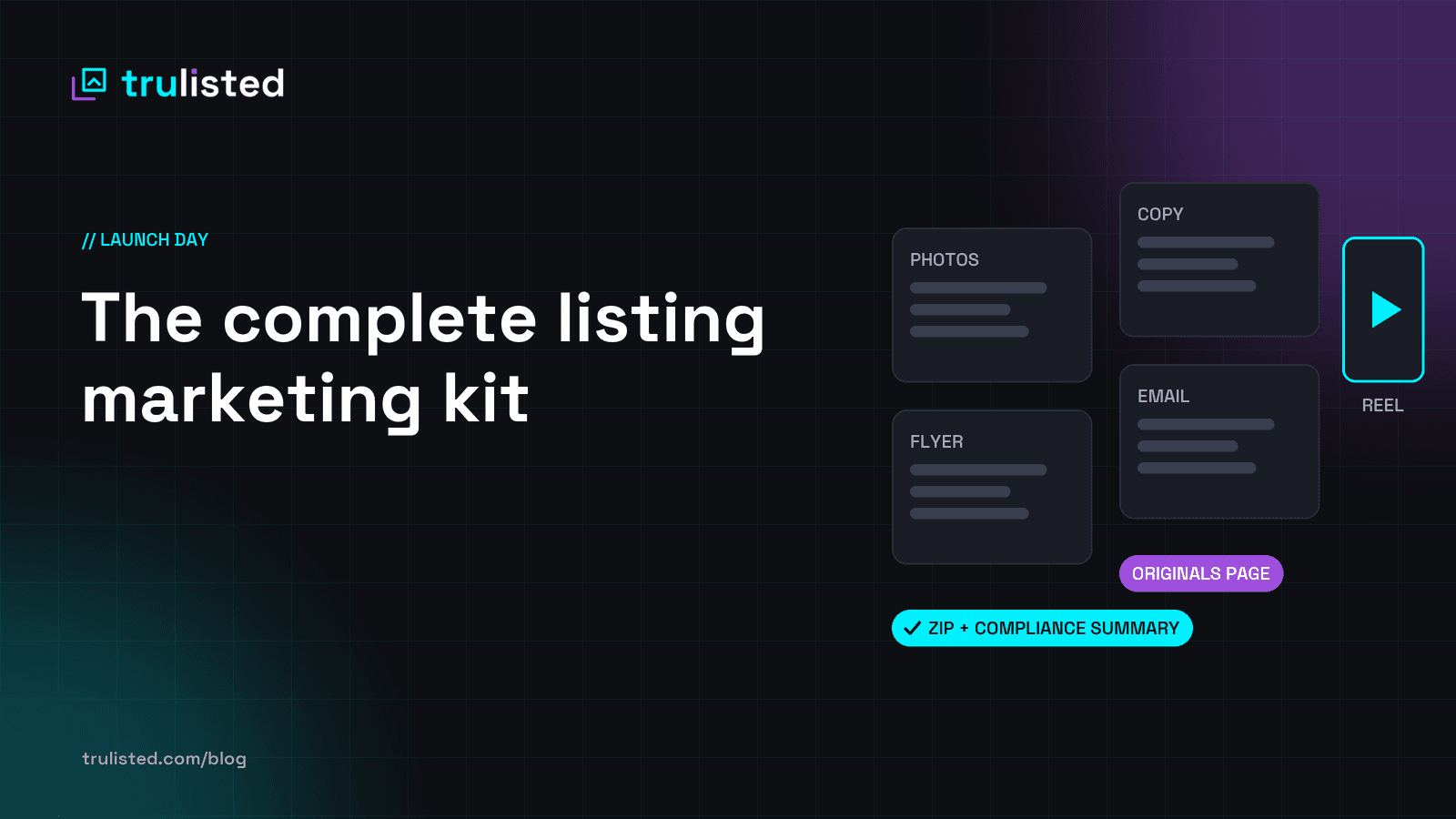
Here's what a complete listing marketing kit includes, why each piece matters, and how to get it ready in one sitting.
1. MLS®-ready photos
What you need: your photographer's images, corrected and sized for your MLS®, in a sensible order (exterior first, then the best rooms).
Why it matters: photos are the first thing buyers judge. Dark or crooked photos make a good home look average.
Do it right:
- Brightness, colour and straightening are standard edits.
- Anything that adds, removes or changes something in the photo is an altered image, and it needs a label. See our guide to virtual staging disclosure.
2. Staged and twilight photos, labelled
What you need: virtually staged versions of empty rooms, and maybe a twilight version of the front exterior.
Why it matters:
- Empty rooms are hard to picture, and staging helps buyers imagine scale and use.
- A twilight shot makes a strong first photo or social post.
Do it right:
- Put a clear label on the image.
- Publish the original next to it, or link to it.
- Never change permanent features (walls, windows, flooring, fireplace, views). See honest AI photo edits for what to check.
3. Listing copy that fits your MLS®
What you need:
- a headline
- MLS® public remarks within your board's character limit
- a feature list
- open house wording
Why it matters: good copy makes buyers book a showing; vague copy makes them scroll past.
Do it right:
- Be specific.
- Describe the home, not the buyer.
- Check every claim.
Our 15-minute listing description method walks through it step by step.
4. A print-ready flyer
What you need: a one-page feature sheet for the open house table and the showing binder. A flyer maker can lay it out from your listing.
Why it matters: buyers take flyers home and compare them. Yours should be the one that's easy to read.
What it should include:
- hero photo
- price, beds, baths and size
- 4–5 key features
- your photo and contact details
- your full brokerage name, prominently
- your Personal Real Estate Corporation wording in full, if you have one (BC)
- a QR code to the listing or photos page
- a disclosure line if any photo is staged
See ad rules agents often miss.
5. A "Just listed" email
What you need: a short, phone-friendly email with:
- one hero photo
- 3–5 bullets
- one button
- a QR code
- a compliant footer
Why it matters: your past clients and sphere are your warmest audience, and email reaches them directly.
Do it right: get consent (CASL in Canada), include an unsubscribe link and a mailing address, and keep the subject line honest. Details are in our Just listed email guide.
6. A vertical reel for social
What you need: a 20–30 second, 9:16 video for Instagram Reels, TikTok and YouTube Shorts:
- the address
- your best 5–8 photos with short captions
- a highlights card
- your contact details at the end
Why it matters: short vertical video gets far more reach than photo posts on most platforms, and it's what buyers scroll through.
Do it right:
- Put a disclosure frame in the video itself if it shows staged or twilight photos. Captions get lost when videos are re-shared, so this needs to be part of the video.
- Add music from the platform's own licensed library when you post. Don't bake a popular song into the file, because that can get the video muted or taken down.
- Put your brokerage name in the video. For the full method, see how to make a real estate video from photos.
7. An Original Photos page
What you need: a simple public page showing the unaltered photos for every staged or altered image, with a short link and a QR code.
Why it matters:
- In California, AB 723 requires a link to the originals whenever you advertise an altered image.
- Everywhere else, it's the simplest way to show buyers you have nothing to hide.
8. A final check before anything goes out
Before you post, print or send, check:
- Every altered photo is labelled and linked to its original.
- No permanent feature was changed by AI or editing.
- Listing copy fits the MLS® limit and has no risky wording.
- Brokerage name (and team and Personal Real Estate Corporation, where applicable) appear on the flyer, email and reel.
- The QR codes work.
- The email has an unsubscribe link and a mailing address.
After launch day. Holding an open house? Set up a digital open house sign-in so every visitor becomes a lead. Marketing to buyers who read another language first? See how to market listings in your clients' language.
Doing it all in one sitting with Trulisted
This is exactly what we built Trulisted to do. Here's the whole launch-day kit in practice:
- Upload your photos and tag the rooms (exterior, kitchen, bedroom and so on).
- Choose what to make: photo enhancement, listing copy (with a tone), virtual staging for the rooms you pick, twilight, the flyer, the email and the reel.
- Press Generate. Trulisted:
- enhances every photo
- stages the rooms you chose, with an AI reviewer holding back results where it finds a changed permanent feature
- writes copy that fits your MLS® limit and flags risky wording
- builds the flyer, email and reel from your best photos and your brand kit
- Review. Edit the copy, preview the email, watch the reel. Every altered photo is labelled and linked to your free Original Photos page.
- Download everything as one ZIP, after a compliance check confirms labels, originals, wording and brokerage details. The ZIP includes:
- MLS® photos
- staged and twilight photos
- copy
- flyer
- reel
- a compliance summary for your records
What used to take an afternoon across six tools becomes one upload and a few minutes of review, and every piece has already been checked for labels, originals and wording before you review it and send it out.
Try it on your next listing. Your first listing is free. See plans and pricing or create your free account.
Frequently asked questions
What should be in a listing marketing kit?
MLS®-ready photos, labelled staged or twilight photos if you use them, listing copy that fits your MLS® limit, a print flyer, a "Just listed" email, a vertical reel for social media, and an Original Photos page for any altered images.
How long does it take to prepare a listing for launch?
Done by hand across several tools, it often takes an afternoon. With Trulisted, it's one upload and a few minutes of review.
Do I need an Original Photos page?
If you advertise any staged or digitally altered photo in California, the law requires a link to the originals. Elsewhere, it's the simplest way to show buyers your photos are honest. Read what you must disclose.
Should my listing reel have music?
Add music from the platform's own licensed library when you post. Music baked into the video file can get it muted or taken down. Trulisted reels are silent unless you add your own music: upload up to 5 tracks you have the rights to in your brand kit and pick one for each video.
This article is general information, not legal advice. Check your board's, brokerage's and regulator's rules for your market.